
Your mobile, managed.
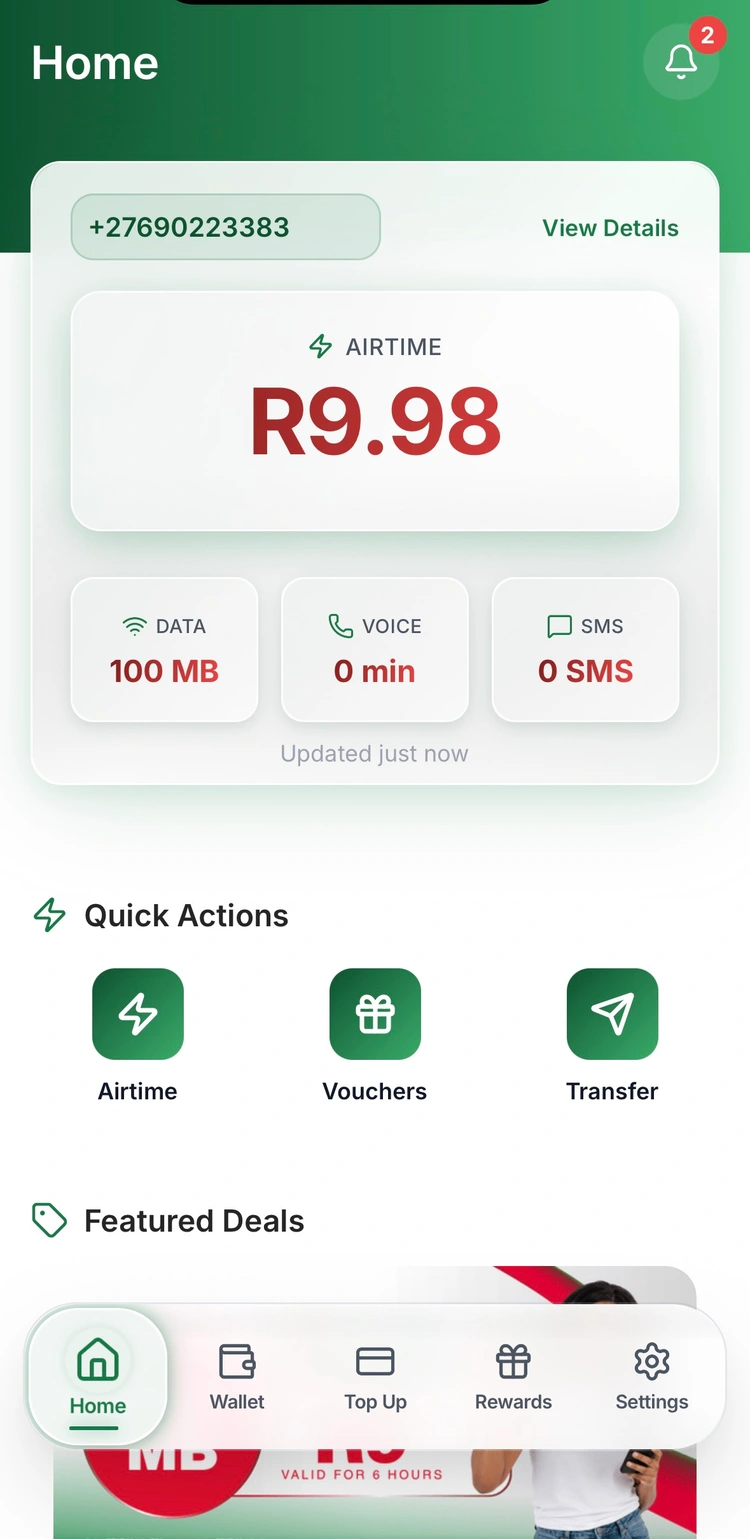
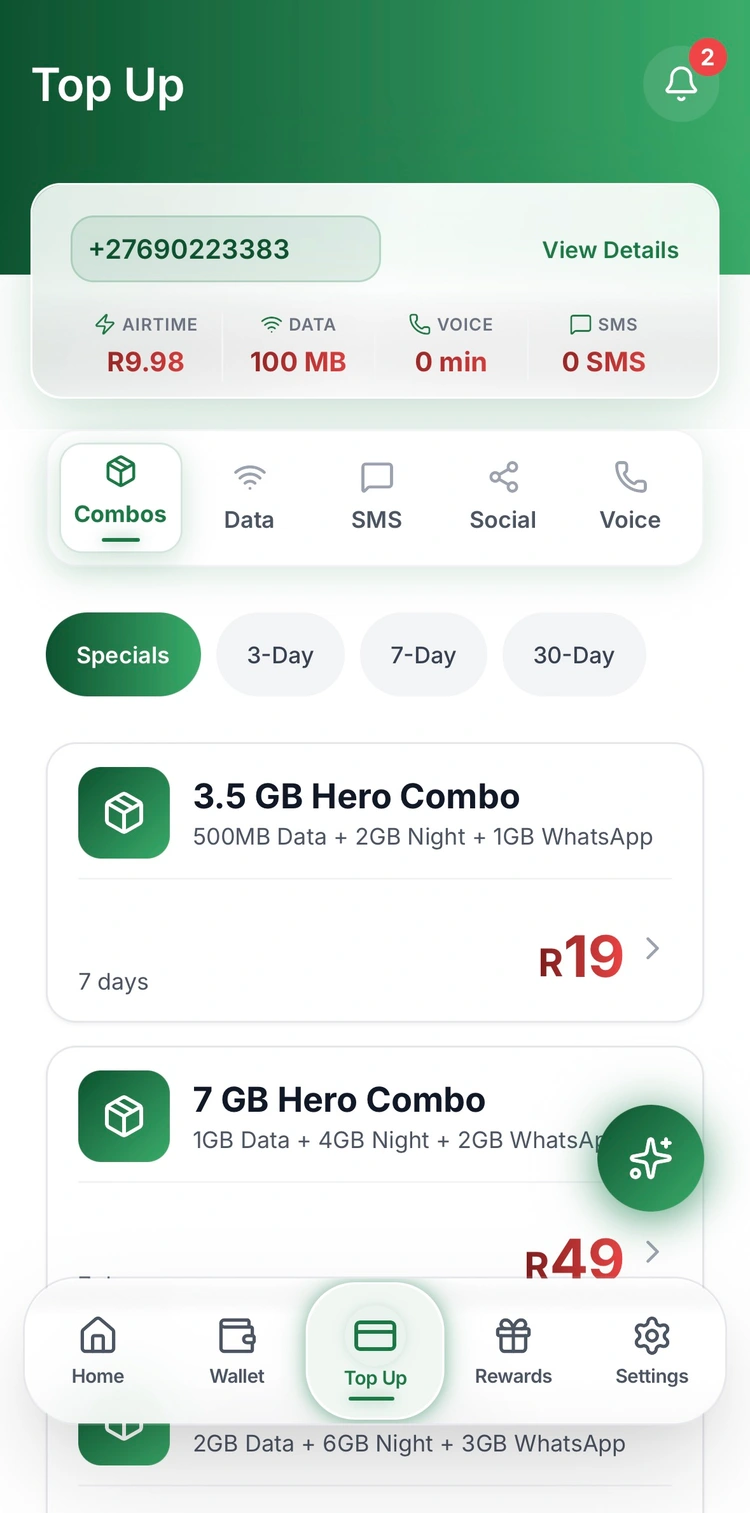
Check your balances and buy data, airtime, voice, SMS and combo bundles.
Explore bundlesCheck your balances and buy data, airtime, voice, SMS and combo bundles.
Explore bundlesKeep track of your FREE REWARDS AIRTIME and find your virtual SPAR Rewards card.
Explore FREE REWARDS AIRTIMEActivate MyWallet inside the app to send money, pay bills and do more every day.
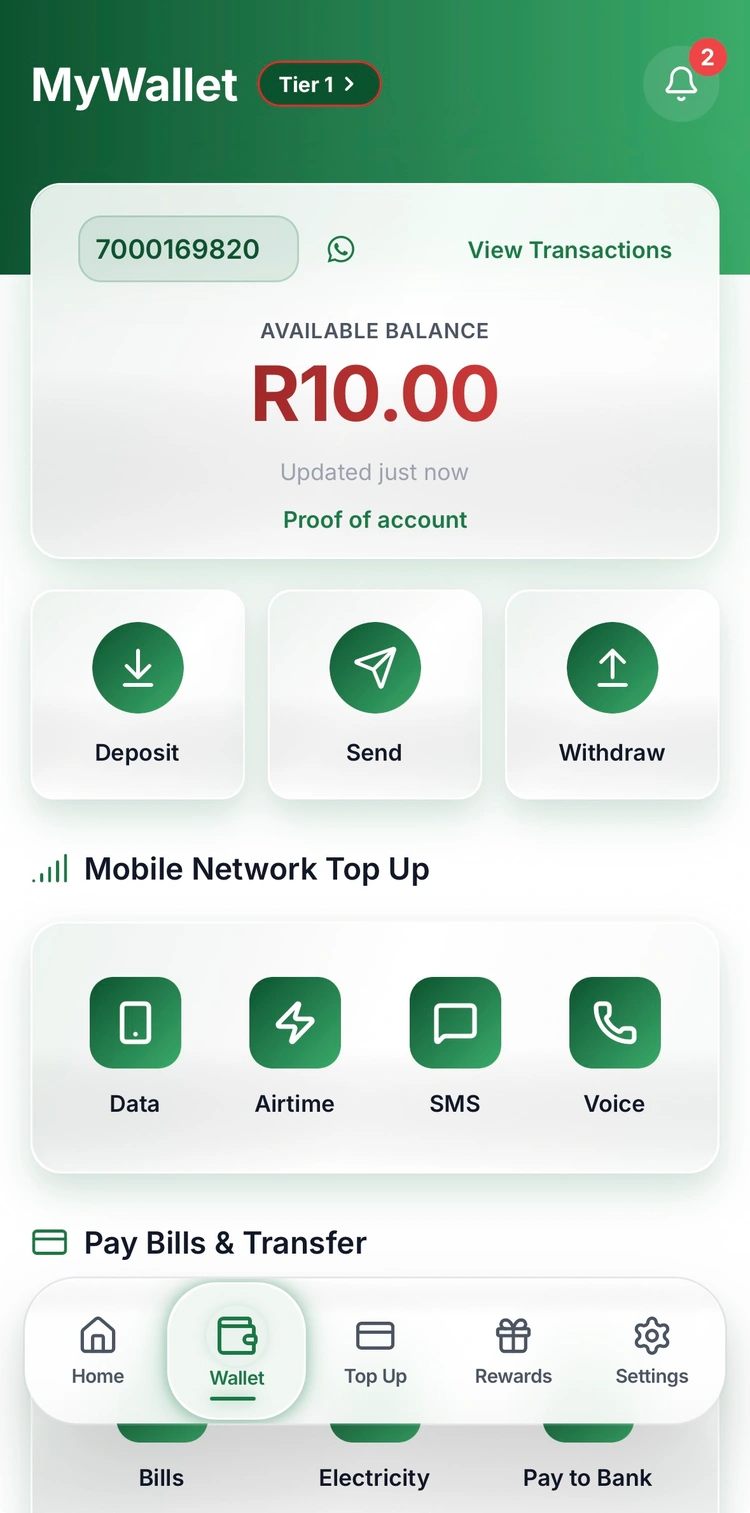
Meet MyWalletMyWallet is your digital wallet inside the SPAR Mobile app. Deposit money, send it, withdraw it and pay for the things you need, all in one place.
Open it in the app. There’s no paperwork and you don’t need a bank account.
How to activate MyWalletAdd money to your MyWallet.
Send money from your wallet.
Access your money when you need it.
Keep your connection topped up.
Take care of everyday payments.
Pay for electricity and DStv.
Get vouchers inside the app.
Make a payment to a bank account.
Open the SPAR Mobile app, sign in and tap Wallet in the bottom menu. Tap Open your MyWallet, then Start process.
SA ID: enter your 13-digit ID number; your date of birth fills in automatically. Passport: select the issuing country and enter your passport number.
Tap Submit to open your MyWallet. There is no paperwork and you do not need a bank account.
Chat with SPAR Mobile Customer Care on WhatsApp at 063 901 0000.
Download the SPAR Mobile app from your app store, sign in and find your mobile, rewards and MyWallet in one place.
For mobile top-ups and account management in your browser, open SPARLite.
Open the SPAR Mobile app, sign in and tap Wallet in the bottom menu. To activate it, tap Open your MyWallet, then Start process.
No. You don’t need a bank account to open MyWallet. Activate it inside the SPAR Mobile app using your SA ID or passport number.
MyWallet is for your money and payments. Your Rewards Wallet holds your FREE REWARDS AIRTIME.